
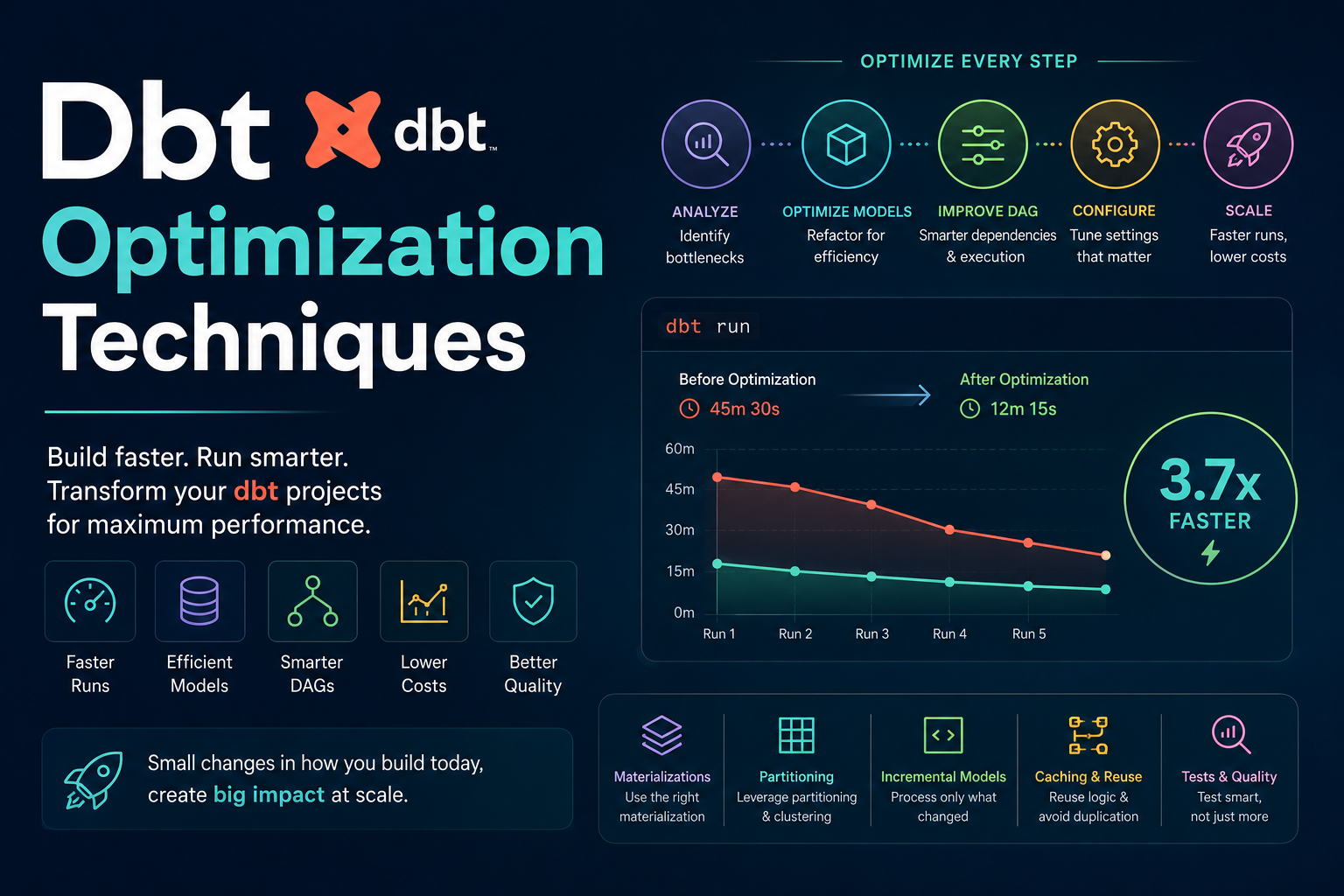
Optimizing dbt is about two distinct things: Performance Optimization (making queries run faster/cheaper in the warehouse) and Development Workflow Optimization (making the dbt pipeline run faster for the engineers).
Here are the various optimization techniques categorized by how they impact your project.
1. Materialization Optimizations
Choosing the right materialization is the most impactful way to control costs and speed.
- Incremental Models: Instead of rebuilding a whole table every time, only append or update records that have changed since the last run.
- When to use: For large fact tables (e.g., events, transactions, logs).
- How: Use the
incrementalmaterialization and define aunique_key.
- Choosing Tables vs. Views:
- Views: Good for simple transformations that are called frequently by a BI tool; they don’t store data physically.
- Tables: Best for complex joins or heavy calculations that you want to “persist” so the final query is instant.
- Ephemeral Models: Use these for intermediate steps that don’t need to be queried directly but are used by multiple downstream models. They act like CTEs but are managed by dbt.
2. SQL & Warehouse-Level Optimizations
These techniques focus on how the underlying engine (Snowflake, BigQuery, Databricks) processes your SQL.
- Partitioning and Clustering:
- Partitioning: Divide data into segments (e.g., by
date). This prevents the warehouse from scanning 10 years of data when you only need today’s. - Clustering/Indexing: Organize data physically so that similar values are stored together, speeding up filtered queries.
- Partitioning: Divide data into segments (e.g., by
- Predicate Pushdown (Filter Early): Always apply filters (
WHEREclauses) as early as possible in your SQL logic (ideally in the Staging layer). Don’t pull 10 million rows into a join only to filter it down to 100 at the final step. - Avoid
SELECT *: Explicitly name your columns. This reduces the amount of data scanned and avoids issues if a source table adds an unexpected column. - Window Function Optimization: Use window functions (e.g.,
ROW_NUMBER()) carefully. Large partitions in window functions can cause “spilling to disk,” which significantly slows down performance.
3. Architectural & Modeling Optimizations
These techniques focus on how you structure your dbt project for better maintainability and execution logic.
- The Staging Layer Strategy: Use the staging layer to perform “heavy lifting” like casting, renaming, and basic cleaning once. This prevents downstream models from having to perform these operations repeatedly.
- Modularity (DRY Principle): If you find yourself writing the same SQL logic in three different models, move it into a dbt Macro or an Intermediate Model.
- Avoid “Mega-Models”: Instead of one giant model that joins 15 tables together, break it into several smaller models. This makes it easier to debug and allows dbt to materialize intermediate steps as tables for better performance.
4. Development Workflow Optimizations
These make the “time to production” faster for your engineers.
- State Comparison (Slim CI): Use
dbt run --select state:modified+in your CI/CD pipeline. This ensures that only the models you changed and their downstream dependencies are tested, rather than running the entire project every time. - Selection Syntax: Use dbt’s selection grammar to run specific parts of the graph.
- Example:
dbt run --select marketing_layerordbt run --select +orders(run orders and everything upstream).
- Example:
- Pre-compute with Materializations: If a calculation is heavy but doesn’t change often, move it into an Incremental Table rather than running that logic inside a View every time a user clicks a button in a dashboard.
Summary Comparison Table: When to use what?
| Technique | Goal | Target Problem | Best For… |
|---|---|---|---|
| Incremental Models | Cost/Speed | Redundant processing of historical data. | Fact tables (events, logs). |
| Partitioning | Cost/Speed | Scanning too much data in the warehouse. | Large datasets with a date component. |
| Staging Layer | Maintainability | Repeating logic across multiple models. | Cleaning and renaming raw source fields. |
| Slim CI / State Selection | Developer Speed | Slow CI pipelines taking 30+ mins to run. | Team workflows & deployment. |
| Materializing Views as Tables | Query Performance | BI tools timing out on complex joins. | End-user facing “Mart” models. |
Pro-Tip: The “Golden Rule” of Optimization
Don’t optimize prematurely. Start with a simple, readable SQL structure using standard Materializations (Tables/Views). Only move to Incremental Models or specialized Partitioning once you identify specific performance bottlenecks or high costs in your warehouse.